Reliant Connect4.21.9
Publisher Description
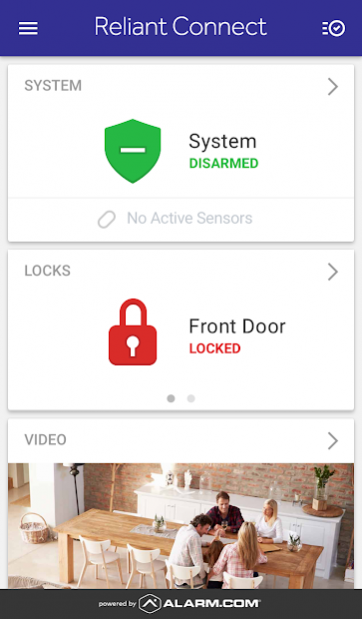
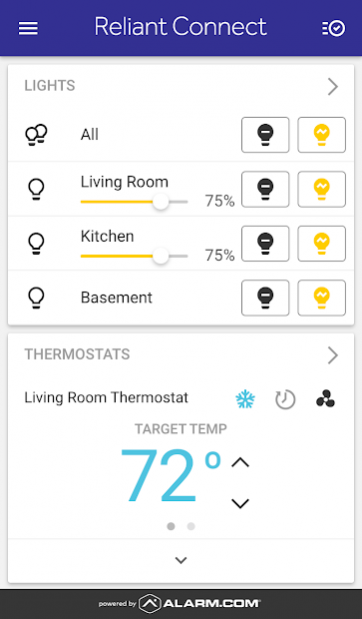
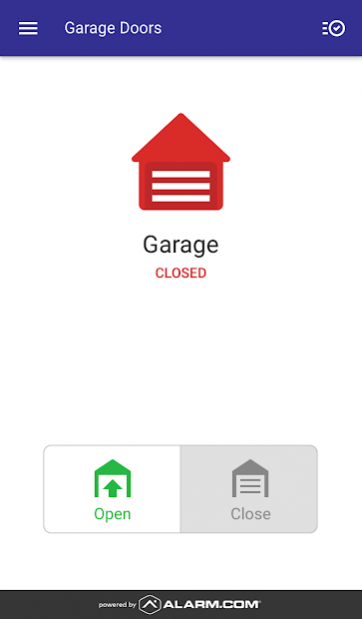
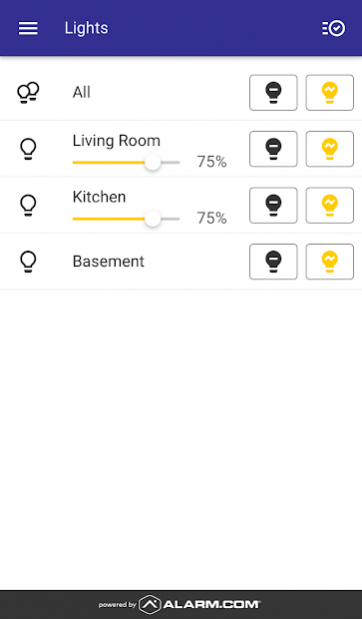
Be at home even when you’re not. Remotely monitor and control your household devices with the Reliant Connect app.
Mobile technology keeps us connected to every aspect of our busy lives – our friends, our work, even our finances. Now stay connected to your biggest asset, your home, with the Reliant Connect app for your Android™ device. The Reliant Connect app gives you access to energy management, home automation and security devices that let you remotely control, monitor and manage your biggest investment.
Set some new house rules by programming your thermostats, controlling your small appliances and monitoring your home on the go. Receive alerts or view your account in real time from your mobile device or on the Web.
Call 1.844.295.5556 or visit reliant.com/connectapp for more information.
Security and Home Automation Services are offered by NRG Connected Home LLC d/b/a Reliant, a wholly owned subsidiary of NRG Energy, Inc. Terms and conditions apply. For complete terms and conditions, visit reliant.com/connectterms. Reliant is a service mark of Reliant Energy Retail Holdings, LLC. © 2015 NRG Energy, Inc. All rights reserved. TXB19469
Google Play and Android are trademarks of Google Inc.
About Reliant Connect
The company that develops Reliant Connect is Reliant Energy Retail Holdings, LLC.. The latest version released by its developer is 4.21.9.
To install Reliant Connect on your Android device, just click the green Continue To App button above to start the installation process. The app is listed on our website since 2022-05-02 and was downloaded 6 times. We have already checked if the download link is safe, however for your own protection we recommend that you scan the downloaded app with your antivirus. Your antivirus may detect the Reliant Connect as malware as malware if the download link to com.alarm.alarmmobile.android.reliant is broken.
How to install Reliant Connect on your Android device:
- Click on the Continue To App button on our website. This will redirect you to Google Play.
- Once the Reliant Connect is shown in the Google Play listing of your Android device, you can start its download and installation. Tap on the Install button located below the search bar and to the right of the app icon.
- A pop-up window with the permissions required by Reliant Connect will be shown. Click on Accept to continue the process.
- Reliant Connect will be downloaded onto your device, displaying a progress. Once the download completes, the installation will start and you'll get a notification after the installation is finished.
Program Details
System requirements
Download information
Pricing
Version History
version 4.21.9
posted on 2022-05-02
Minor enhancements/fixes
version 4.10.7
posted on 2019-07-29
. A new Login Information screen, available in the navigation menu of the app, lets you link multiple systems to a single login, set up two factor authentication for additional security, and more.
. An enhanced notifications experience lets you more easily manage your push notifications. Now you can enable, disable, and add new notifications from a single screen
. Create, view, or edit security system and lock user codes through the new Users screen, available in the navigation menu of the app.
version 4.3.1
posted on 2017-09-12
• In addition to being able to unlock the door from the Doorbell Camera screen in the middle of a call, you can now disarm the security system too. You’re also able to re-lock the door at the end of the call.
• Now you can swipe on the Weather card to reveal a multi-day summary view showing the upcoming week’s weather.
• Minor enhancements / fixes
version
posted on 2016-12-06
· Thanks for your feedback on the new widget! We’ve added a smaller 1x1 size for easier widget placement.,· Other minor enhancements / fixes
